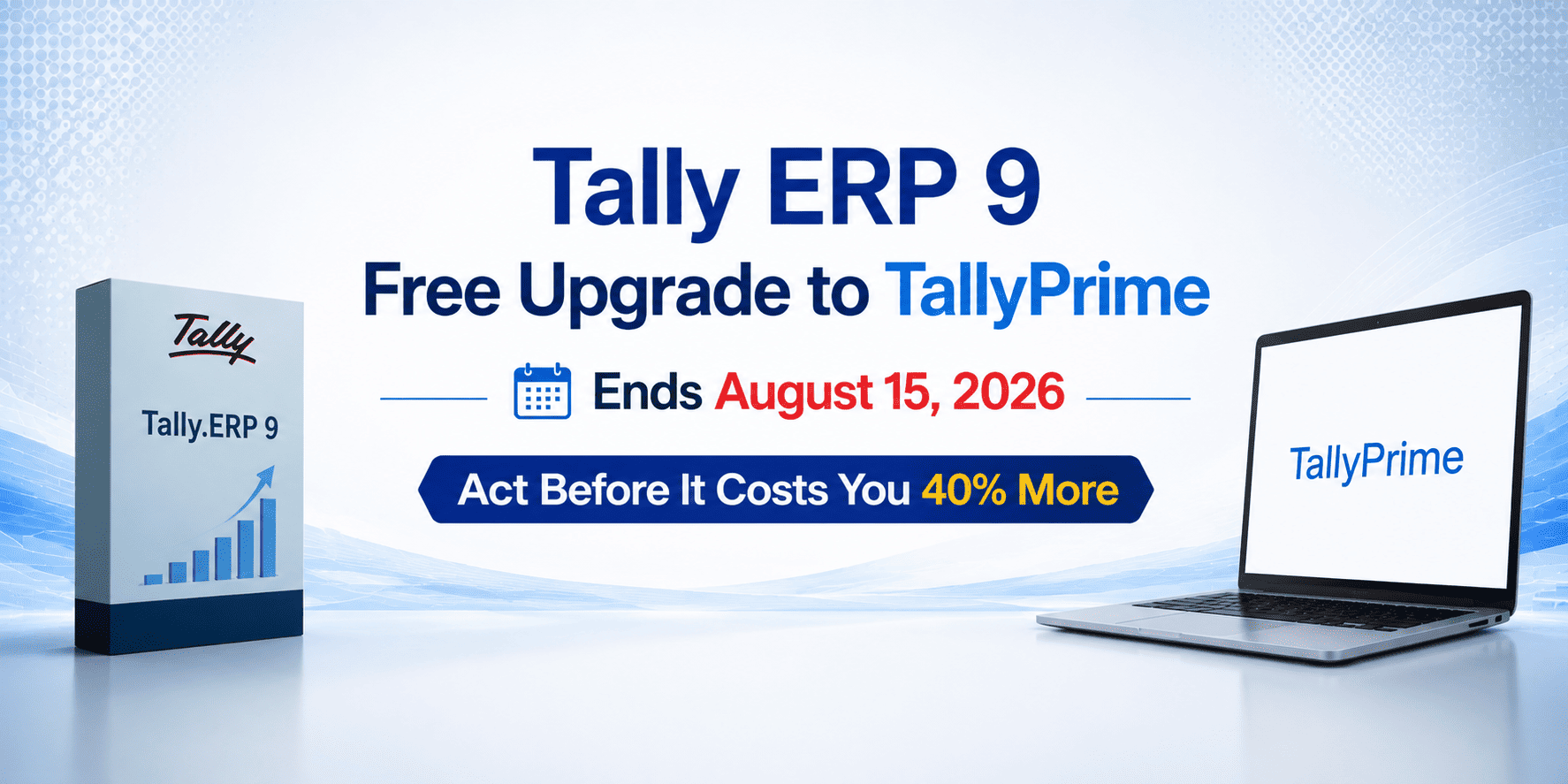
If your business is still running on Tally ERP 9, this is the most important Tally news you will read this year. Tally Solutions has confirmed that the free upgrade from Tally ERP 9 to TallyPrime will end on 15th August 2026. After this deadline, upgrading will cost 40% of your license fee. That means if you delay even by a few weeks, you will end up paying a significant amount for something that is completely free today.
This blog explains exactly what is changing, why you should upgrade immediately, what you gain by moving to TallyPrime, and how a certified Tally 5 Star Partner in Mumbai Tally service provider can make migration seamless and risk-free.
What Is Changing After August 15, 2026?
Currently, any business using Tally ERP 9 with an active Tally Software Services (TSS) subscription can upgrade to TallyPrime completely free of charge. The upgrade does not require purchasing a new license; your existing Tally ERP 9 license is simply reactivated in TallyPrime. Your data, masters, vouchers, and company settings all carry forward seamlessly.
Before vs After August 15, 2026
- Before August 15, 2026 — Upgrade from ERP 9 to TallyPrime: FREE (with active TSS)
- After August 15, 2026 — Upgrade from ERP 9 to TallyPrime: 40% of your license fee
- If your TSS has expired — Renew TSS now and upgrade for free before the deadline
- Your existing ERP 9 license number and credentials remain the same — no new purchase is needed.
This is not a minor price revision. For a TallyPrime Gold license, 40% of the license fee translates to a substantial out-of-pocket cost that businesses can entirely avoid by acting now. The only requirement is an active TSS subscription at the time of upgrade.
Why Tally ERP 9 is Being Phased Out — And Why That Affects You Right Now
Tally ERP 9 Release 6.6.3 is the final version of ERP 9 ever released by Tally Solutions. No new features, no new GST updates, no new e-invoice schema changes, and no new compliance packs will ever be delivered for ERP 9. The entire development, compliance, and feature roadmap of Tally Solutions now runs exclusively on TallyPrime.
This has serious operational and compliance implications for businesses still using ERP 9:
- e-Invoice compliance risk — If your annual turnover exceeds ₹5 crore, you must generate a valid IRN for every B2B invoice. ERP 9 may not schemeligned with the current IRP schema, making your invoices invalid under Rule 48(5) of CGST Rules 2017 and blocking your buyer’s ITC claims
- GST rate changes not updated — Any GST rate revision or GSTR format change issued after ERP 9’s last update will not reach your ERP 9 instance automatically
- No GSTR-2B import enhancements — Auto-reconciliation and ITC matching features are exclusive to TallyPrime
- No connected banking — PrimeBanking, auto bank statement imports, and one-click reconciliation are unavailable in ERP 9
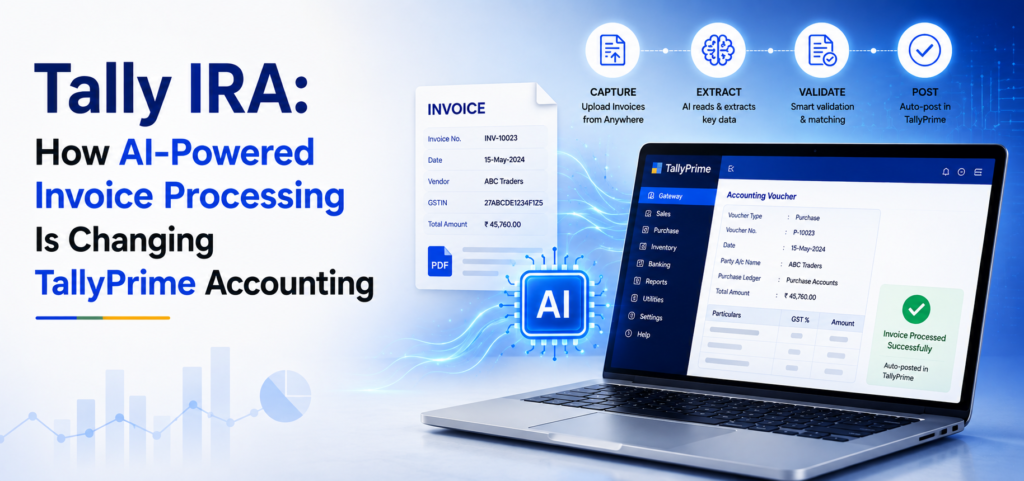
- No AI-powered features — Docs by Ira (AI invoice entry), SmartFind, TallyDrive auto-backup and other modern productivity features exist only in TallyPrime
Simply put, continuing to use Tally ERP 9 beyond August 2026 is not just a missed opportunity it is an active compliance risk for your business.
What You Gain by Upgrading to TallyPrime 7.1 Right Now
TallyPrime is not just a visual upgrade over ERP 9 — it is a complete reimagining of the accounting experience. The current version, TallyPrime 7.1, includes features that directly save time, reduce errors, and keep your business fully GST compliant.
AI-Powered Invoice Entry — Docs by Ira
Upload or scan any invoice into TallyPrime and Docs by Ira automatically extracts the party name, invoice number, GST details, stock items, and amounts creating a draft voucher in seconds. No manual data entry required. Businesses report saving up to 80% of invoice processing time.
Connected Banking — PrimeBanking
TallyPrime 7.1 now supports ICICI Bank, Axis Bank, SBI, and Kotak Mahindra Bank through Connected Banking. You can make direct payments, view real-time account balances, and reconcile bank statements all from within TallyPrime without logging into a separate net banking portal.
TallyDrive — Automatic Cloud Backup
TallyPrime includes TallyDrive, an automatic encrypted cloud backup feature that schedules backups, so you never lose your company data. This feature alone eliminates one of the biggest risks for small business accounting accidental data loss.
SmartFind — Universal Instant Search
SmartFind allows you to search across all masters, vouchers, reports, and settings from a single search bar using fuzzy matching even if you type a partial or slightly misspelled name. Say goodbye to navigating through multiple menu paths.
IMS Reconciliation & GST Compliance
TallyPrime 7.1 supports IMS reconciliation, allowing you to fetch party GST details directly from the GST portal, match ITC faster, and stay ahead of GSTR-2B discrepancies. Online HSN/SAC code validation catches classification errors before you file returns.
Professional Invoice Templates
TallyPrime 7.1 introduces pre-designed invoice templates that you can personalise with your logo, watermark, address, and terms giving your invoices a professional brand look without any design software.
How to Upgrade from Tally ERP 9 to TallyPrime — Step by Step
The upgrade process is straightforward and typically completes within one session. Here is the sequence to follow:
- Step 1 — Check your TSS validity at the bottom of your Tally ERP 9 screen. If TSS is active, you are eligible for the free upgrade. If expires, renew TSS first through your Tally partner
- Step 2 — Take a complete backup of your Tally data folder and store it outside the Tally directory. This is your rollback protection
- Step 3 — If you have third-party TDL add-ons loaded in ERP 9, disable them before upgrading via F1 (Help) > TDL & Add-on. Note which TDLs were active for re-testing after migration
- Step 4 — In a multi-user gold setup, upgrade the server machine first and confirm data opens correctly before updating client machines
- Step 5 — Download TallyPrime from the official Tally website or through your certified Tally partner. Install it — it does NOT overwrite ERP 9, so both can run on the same system
- Step 6 — Open TallyPrime in License mode, enter your existing ERP 9 credentials, and reactivate your license. Your ERP 9 license is in TallyPrime without any extra cost
- Step 7 — Migrate your company data at a time using TallyPrime’s built-in migration tool. All vouchers, masters, ledgers, security settings, and historical transactions carry forward automatically
- Step 8 — Verify migrated data by checking voucher counts, ledger balances, outstanding receivables/payables, inventory levels, and GST data before going live
The entire process typically takes under one hour for a single-company setup. Larger multi-company or multi-branch setups may take a full day, which is another reason to start now rather than wait until August.
What If My TSS Has Already Expired?
If your Tally Software Services subscription has lapsed, you can still take advantage of the free upgrade offer, but you must renew your TSS before August 15, 2026. Once TSS is renewed and active, you become eligible for the free migration to TallyPrime. Tally Solutions has made TSS renewal the gateway to the free upgrade specifically to encourage businesses to stay current on their subscription.
A trusted Tally partner, which has already been used) can help you check your current TSS status, process the renewal quickly, and handle the full upgrade within the same engagement so you do not lose any time.
Why Work with a Tally 5 Star Partner in Mumbai for Your ERP 9 Upgrade?
While the upgrade process is designed to be self-service, many businesses have complex setups of multiple company files, active TDL customizations, third-party integrations, or TallyPrime Server in a multi-user environment. For these businesses, a certified Tally 5 Star Partner in Mumbai provides:
- Pre-upgrade assessment — review of your ERP 9 data, TDL compatibility, and server configuration before migration begins
- Safe data migration with verified backup and restore testing before going live on TallyPrime
- TDL and add-on compatibility review — ensuring your Tally customisation services and third-party add-ons work correctly in TallyPrime
- TallyPrime Server setup or upgrade for multi-user gold environments
- Post-migration training — helping your team get comfortable with TallyPrime’s Go To navigation, SmartFind, and new features
- Ongoing AMC Tally supports an Annual Maintenance Contract to keep your TallyPrime running smoothly throughout the year
With the August 15 deadline approaching fast, working with an experienced Tally partner ensures your upgrade is completed correctly the first time, without operational disruption.
Conclusion —
The free upgrade from Tally ERP 9 to TallyPrime is one of the most valuable offers Tally Solutions has ever extended to its user base. After August 15, 2026, that opportunity closes permanently and upgrading will come with a 40% cost penalty. Today, it costs nothing beyond an active TSS subscription.
TallyPrime 7.1 brings AI-powered invoice entry, connected banking, automatic cloud backup, smart search, GST IMS reconciliation, professional invoice templates, and full e-invoice compliance everything your business needs to operate efficiently and stay compliant in 2026 and beyond.
The question is not whether to upgrade. The question is how quickly you can do it before August 15.
Don’t miss the newest TallyPrime 7.1 features—watch the video now.
FAQ
1. What happens after August 15, 2026?
A. Upgrading will cost 40% of your license fee instead of being free.
2. Do I need to buy a new license?
A. No. Your existing ERP 9 license simply gets reactivated in TallyPrime.
3. Will I lose my data?
A. No. Vouchers, masters, and ledgers all migrate automatically.
4. Can ERP 9 and TallyPrime run together?
A. Yes, installing TallyPrime doesn’t remove ERP 9.
5. My TSS has expired — can I still upgrade free?
A. Yes, just renew TSS before August 15, 2026.