
In today’s fast-moving business environment, managing accounts across multiple branches, remote teams, and distributed offices is no longer optional; it’s essential. Traditional desktop-based accounting creates limitations in accessibility, data sharing, and collaboration. This is where Tally cloud services come into play. With cloud-based Tally, businesses can centralize operations, enable real-time collaboration, and improve decision-making without being tied to a single location. Whether you run a retail chain, manufacturing unit, or service-based company, Tally on Cloud is becoming a strategic advantage for multi-location teams.
What is Tally on Cloud?
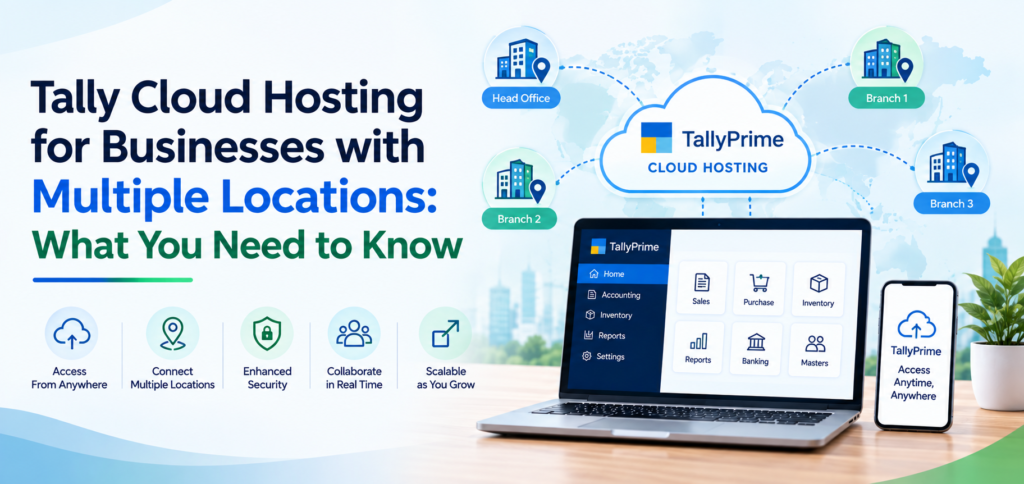
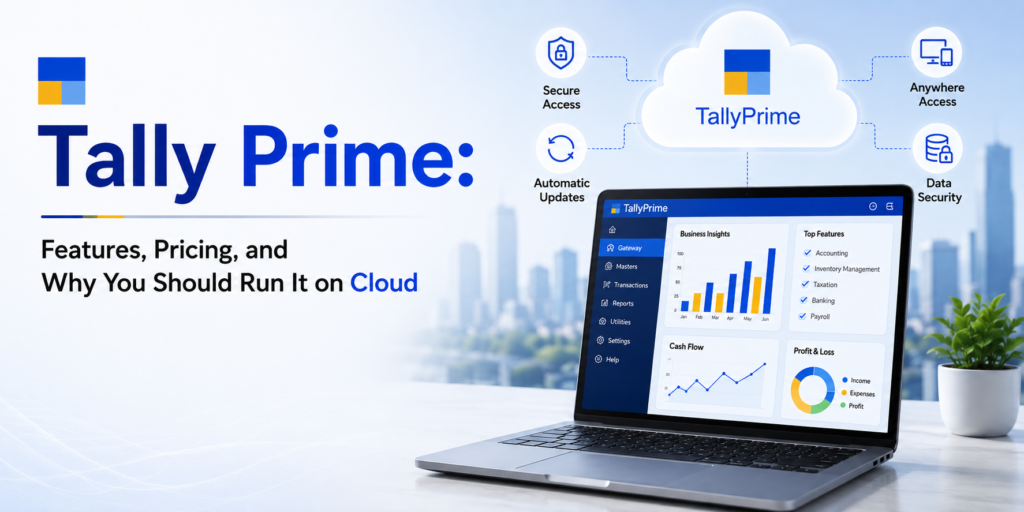
Tally on Cloud is the deployment of Tally software on a secure remote server instead of a local system. Users can access their data via internet-enabled devices such as laptops, desktops, or mobile devices.
This means your entire accounting system is no longer restricted to office infrastructure. Instead, it becomes a flexible, scalable, and always-available solution.
Why Multi-Location Teams Need Tally Cloud Services
Businesses operating across multiple locations often face challenges such as data duplication, delayed reporting, and lack of coordination. Tally cloud services solve these issues by offering:
1. Centralized Data Access
All branches work on a single, unified database. This eliminates the need for manual data consolidation and reduces errors.
2. Real-Time Collaboration
Multiple users can work simultaneously on the same data, ensuring instant updates and better coordination between teams.
3. Anywhere, Anytime Access
Teams can access Tally from the office, home, or while traveling using any device with internet connectivity.
4. Reduced IT Dependency
No need to maintain physical servers or worry about hardware failures. The cloud provider handles infrastructure and backups.
Access Control: Managing Users Across Locations
One of the biggest advantages of cloud-based Tally is advanced user control. As businesses scale, controlling access becomes critical.
Key Access Features:
- Role-based user permissions
- Restricted data visibility
- Secure login credentials
- Audit tracking for accountability
This ensures that each team member accesses only relevant data, improving both security and operational efficiency.
Performance Optimization Tips for Tally on Cloud
While Tally Cloud offers high performance, proper setup and usage are essential to maximize efficiency.
1. Choose the Right Server Configuration
Performance depends on RAM, SSD storage, and server quality. High-speed cloud servers ensure faster data processing.
2. Optimize Internet Connectivity
Since cloud-based Tally depends on internet access, a stable and high-speed connection is crucial for smooth operations.
3. Use Lightweight Remote Access Tools
Efficient remote desktop configurations reduce lag and improve user experience.
4. Regular Data Cleanup
Large data files can slow down performance. Periodic data optimization improves speed and responsiveness.
5. Enable Backup & Recovery Systems
Automated backups not only improve security but also ensure uninterrupted business continuity.
How Tally Cloud API Enhances Multi-Location Operations
The integration capabilities of Tally Cloud API take cloud accounting to the next level.
Key Benefits of Tally Cloud API:
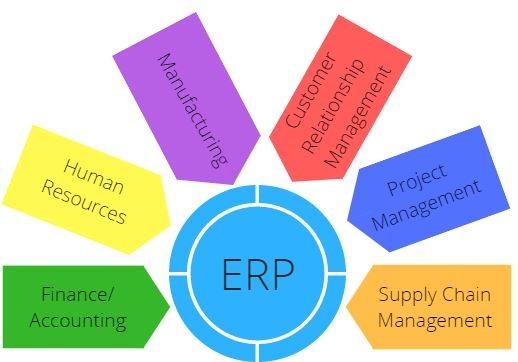
- Integration with ERP, CRM, and eCommerce platforms
- Automated data synchronization across branches
- Real-time reporting dashboards
- Reduced manual data entry
With APIs, businesses can connect multiple systems and create a seamless digital ecosystem, improving efficiency and scalability.
Security in Tally Cloud Services
Security is often a concern when moving to the cloud, but modern Tally cloud services offer robust protection:
- Data Encryption
- Firewall protection
- Multi-level authentication
- Daily backups
- Controlled access environments
This ensures that sensitive financial data always remains protected.
Use Cases: Who Should Use Cloud Based Tally?
Tally on Cloud is ideal for:
- Multi-branch retail businesses
- CA firms managing multiple clients
- Manufacturing companies with distributed units
- Startups with remote accounting teams
- Enterprises requiring centralized financial control
- Scalable infrastructure supports business expansion
Conclusion
Tally on Cloud is no longer just a convenience; it’s a necessity for businesses managing multi-location operations. With centralized access, enhanced control, and scalable performance, cloud-based Tally empowers teams to work smarter and faster.
By leveraging Tally cloud services and integrating with Tally Cloud API, businesses can create a connected ecosystem that supports growth, automation, and real-time decision-making.
If your organization is still relying on traditional setups, now is the time to shift towards a cloud-first accounting approach.
FAQs
1. What is Tally on Cloud?
Tally on Cloud allows you to access your Tally software and data from a remote server using the internet instead of a local system.
2. Is cloud-based Tally suitable for multiple branches?
Yes, it is ideal for multi-location businesses as it provides centralized data access and real-time collaboration.
3. How secure are Tally cloud services?
They offer high-level security including encryption, firewalls, backups, and role-based access control.
4. What is Tally Cloud API used for?
It is used to integrate Tally with other systems like ERP, CRM, and eCommerce platforms for automation and data synchronization.
5. Can multiple users access Tally on Cloud?
Yes, multiple users can work simultaneously from different locations.